

Faucet
Claim free KPGT testnet tokens from the Mandala Chain Faucet to deploy contracts, send transactions, and test dApps at no cost.
The Mandala Chain Faucet hands out free KPGT (Kepeng Test) tokens so you can build on Mandala Testnet. Use them to pay gas while you deploy contracts, send transactions, and test your dApps, all at no cost.
Each request sends 10 KPGT to one address, and each address can claim once per day.
Testnet tokens have no monetary value and cannot be exchanged for real assets. They exist only for development and testing. KPGT is the testnet token; the mainnet gas token is KPG.
Before you start
You need:
- An EVM wallet such as MetaMask or Rabby, with Mandala Testnet added. The connection values are on the Network Details page.
- Your wallet address. It starts with
0xand is 42 characters long.
How to get testnet tokens
Step 1: Open the faucet
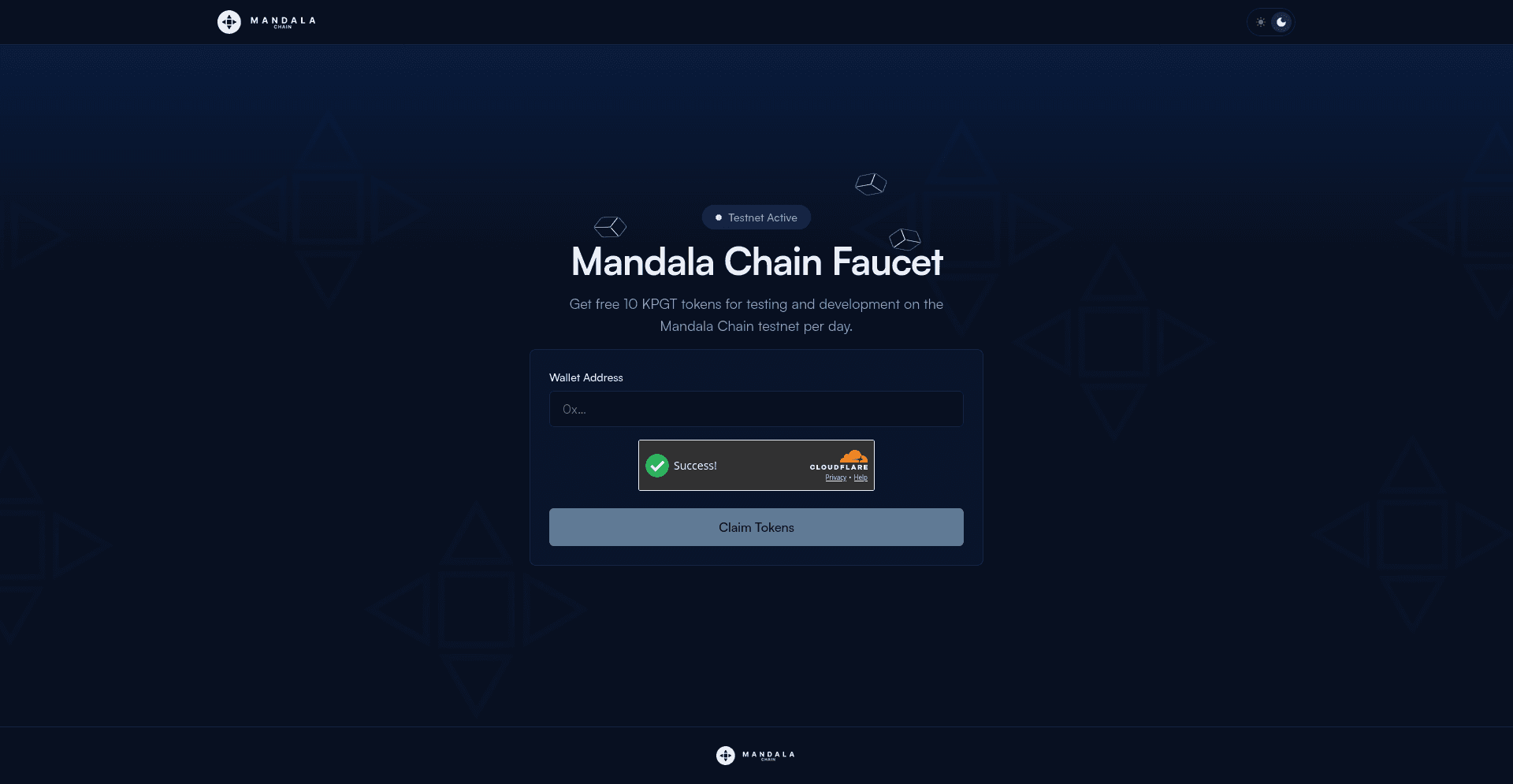
Go to faucet.mandalachain.io. The Testnet Active badge means the faucet is online and ready to send tokens.
Step 2: Enter your wallet address
Copy your address from your wallet and paste it into the Wallet Address field.
- MetaMask: click your account name at the top to copy the address.
- Rabby: click your address at the top to copy it.
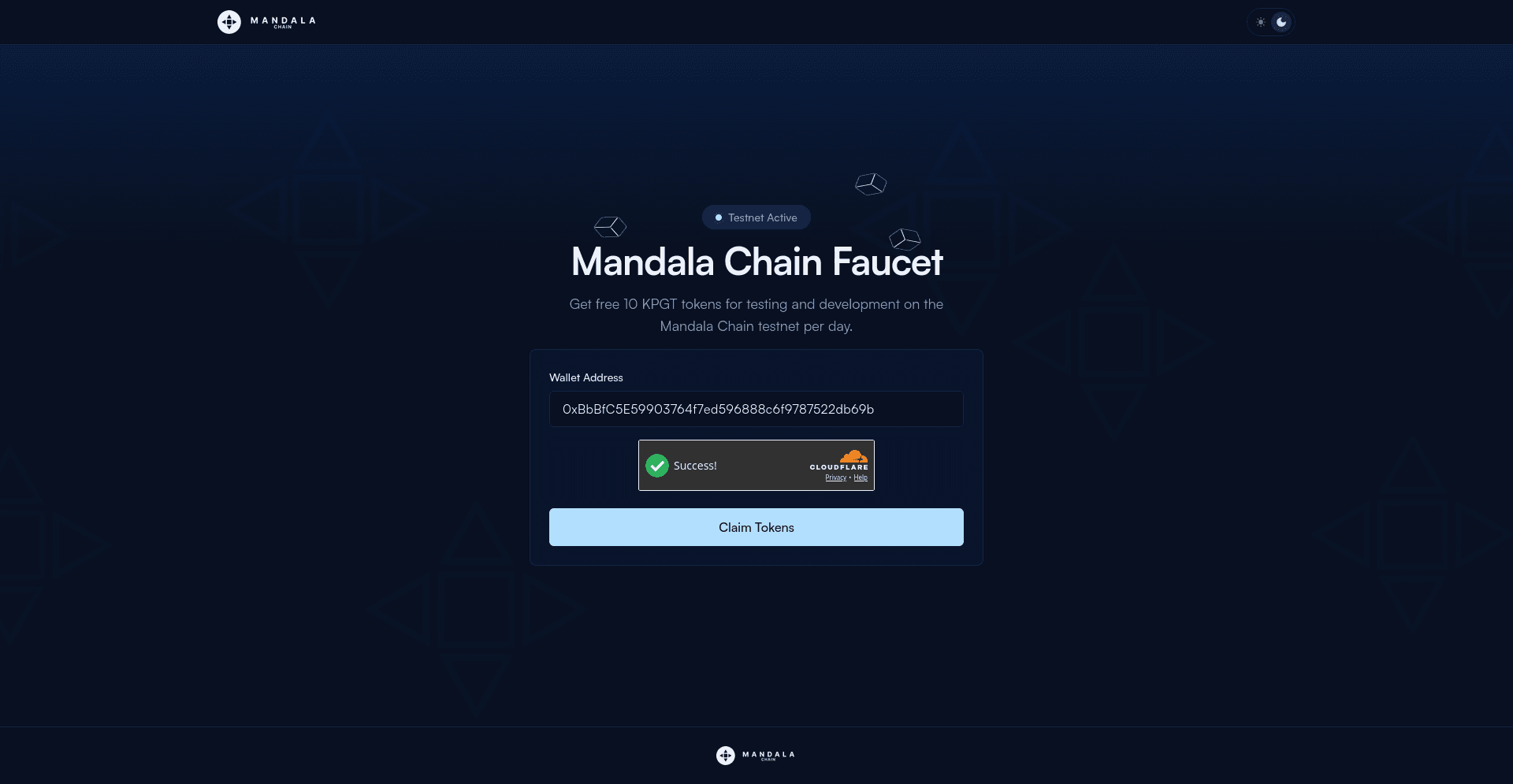
Double-check the address before you continue. Tokens are sent to exactly the address you enter, and the transaction cannot be reversed.
Step 3: Verify and claim
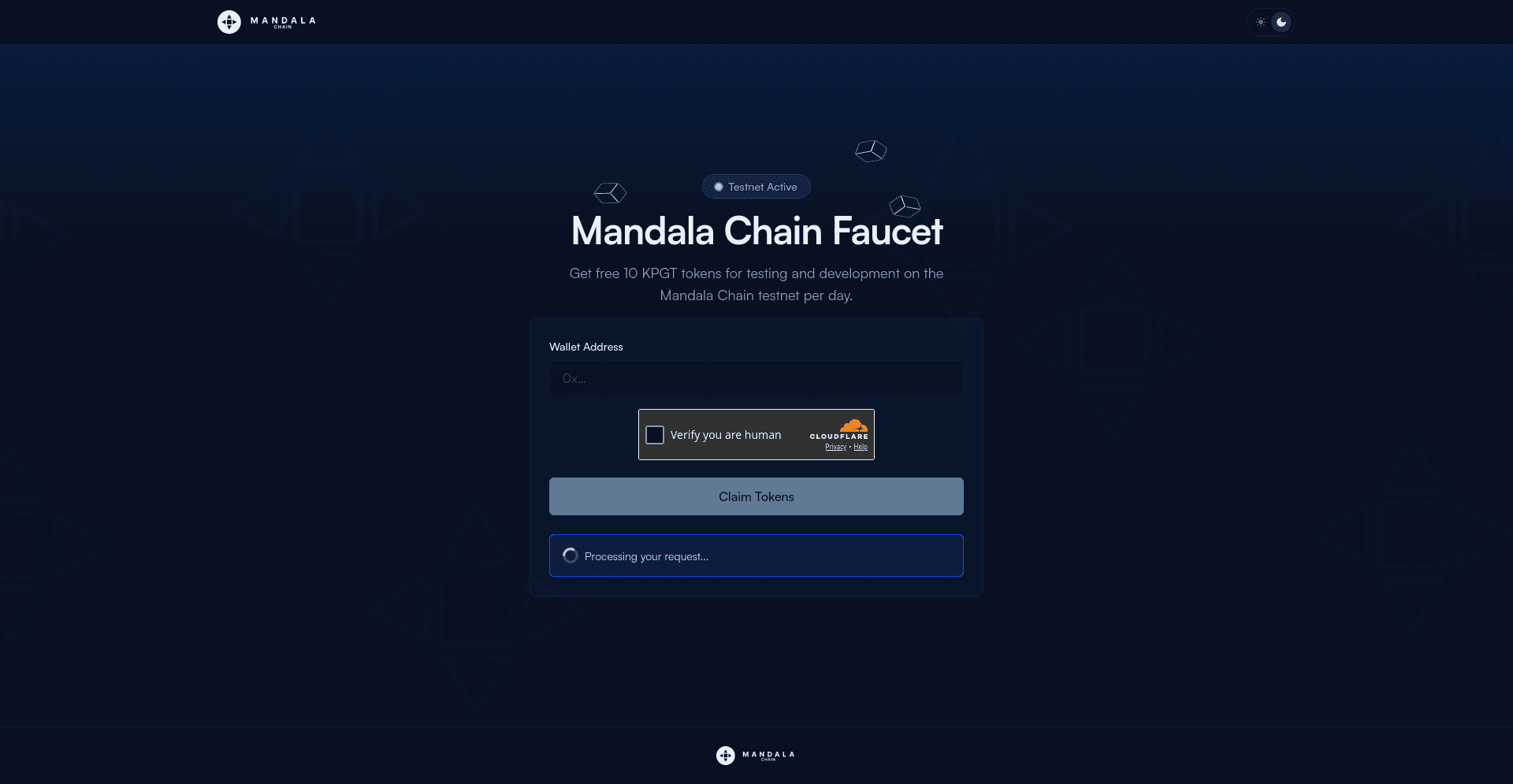
Tick the Verify you are human checkbox, then click Claim Tokens. The faucet shows Processing your request... while it submits the transaction.
Step 4: Confirm the transaction
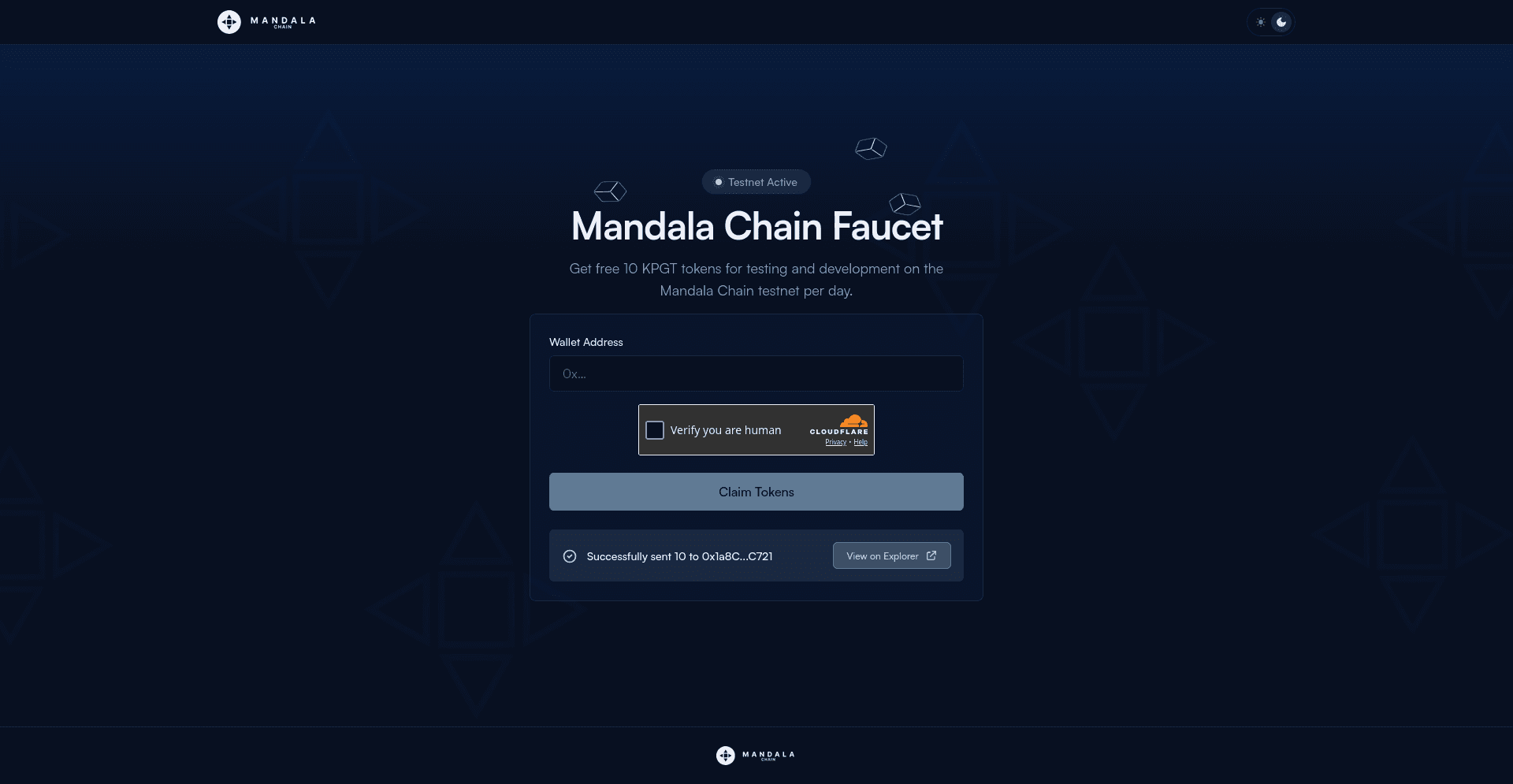
When the request finishes, the faucet confirms Successfully sent 10 to your address. Click View on Explorer to see the transaction on the testnet explorer.
Step 5: Check your wallet
Switch your wallet to Mandala Testnet and your KPGT balance should update with the 10 tokens. If you do not see them right away, wait a few seconds and refresh; testnet transactions usually confirm within seconds.
Faucet limits
| Limit | Value |
|---|---|
| Amount per request | 10 KPGT |
| Frequency | Once per address per day |
| Verification | Cloudflare human check |
If you need more than the daily allowance for integration work, bridge Sepolia ETH into Mandala Testnet through the Arbitrum Portal, or reach out via the channels on the Getting Help page.
Troubleshooting
Too many requests. You have already claimed within the last 24 hours. Wait until the daily window resets, or use a different address.
Invalid address. The faucet only accepts a valid EVM address: 0x followed by 40 hexadecimal characters (42 characters total). Re-copy it straight from your wallet.
Tokens not showing. Confirm your wallet is connected to Mandala Testnet (Chain ID 20011), then refresh. You can verify the transfer on the testnet explorer using the address or transaction hash.
Verification will not complete. Finish the Cloudflare Verify you are human check before clicking Claim Tokens. Aggressive privacy extensions or VPNs can block it; disable them for the faucet site and try again.