

Rabby
Install Rabby, create a wallet, and add Mandala Chain as a custom network.
Rabby is a multi-chain EVM wallet with stronger transaction previews and automatic network detection. It works with Mandala the same way it works with any EVM chain, once Mandala is added as a custom network.
Installation
Skip this section if you already have Rabby.
Step 1: Download
Visit rabby.io and click Download, or install directly from your browser's extension store.
Make sure you are on rabby.io or the official Chrome Web Store listing. Phishing copies of Rabby exist.
Step 2: Add to your browser
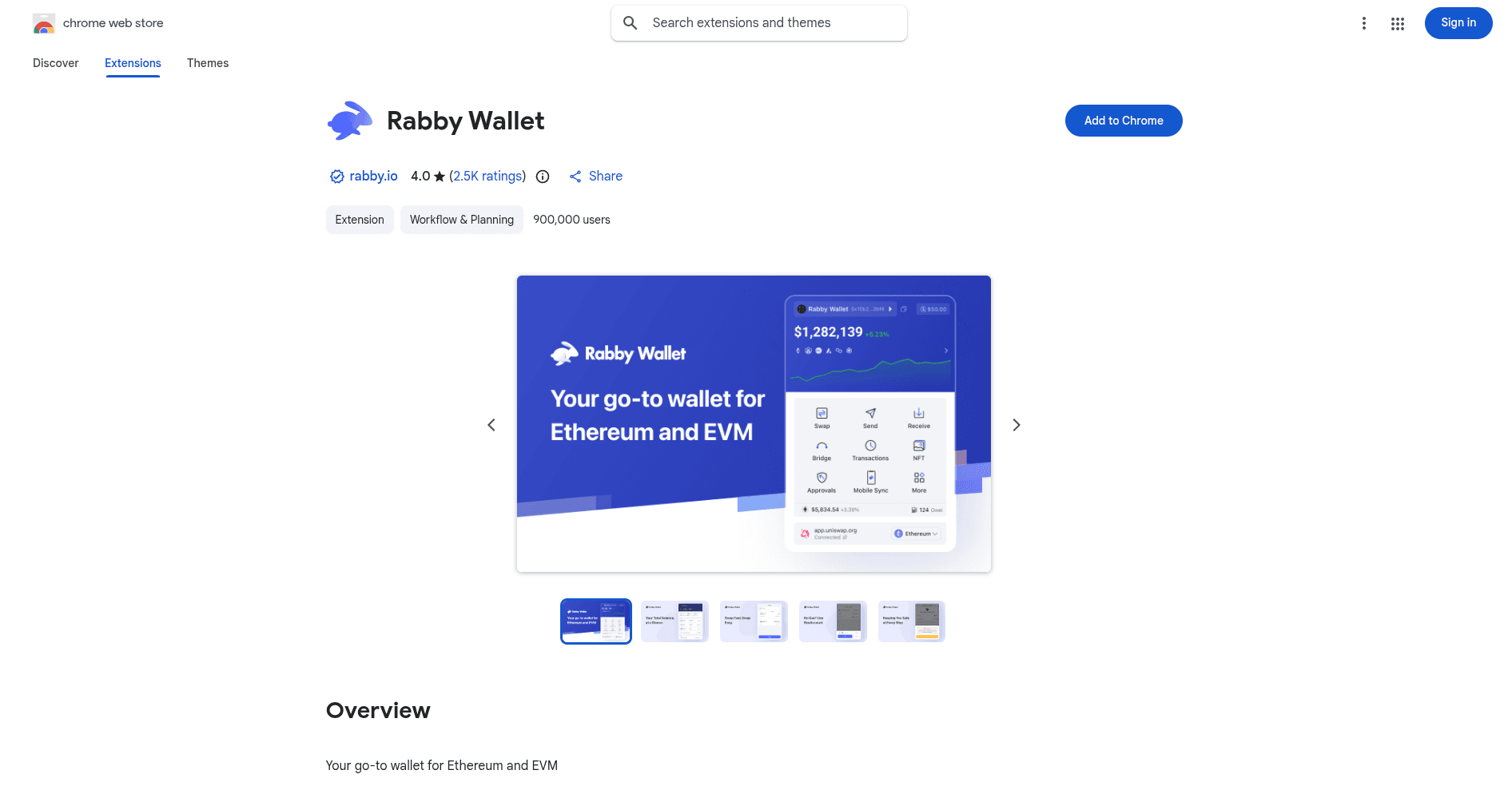
Click Add to Chrome (or your browser's equivalent).
Creating a wallet
If you already have a Rabby wallet, skip to Adding Mandala Chain.
Step 1: Open Rabby
Click the Rabby icon in your browser toolbar.
Step 2: Choose create
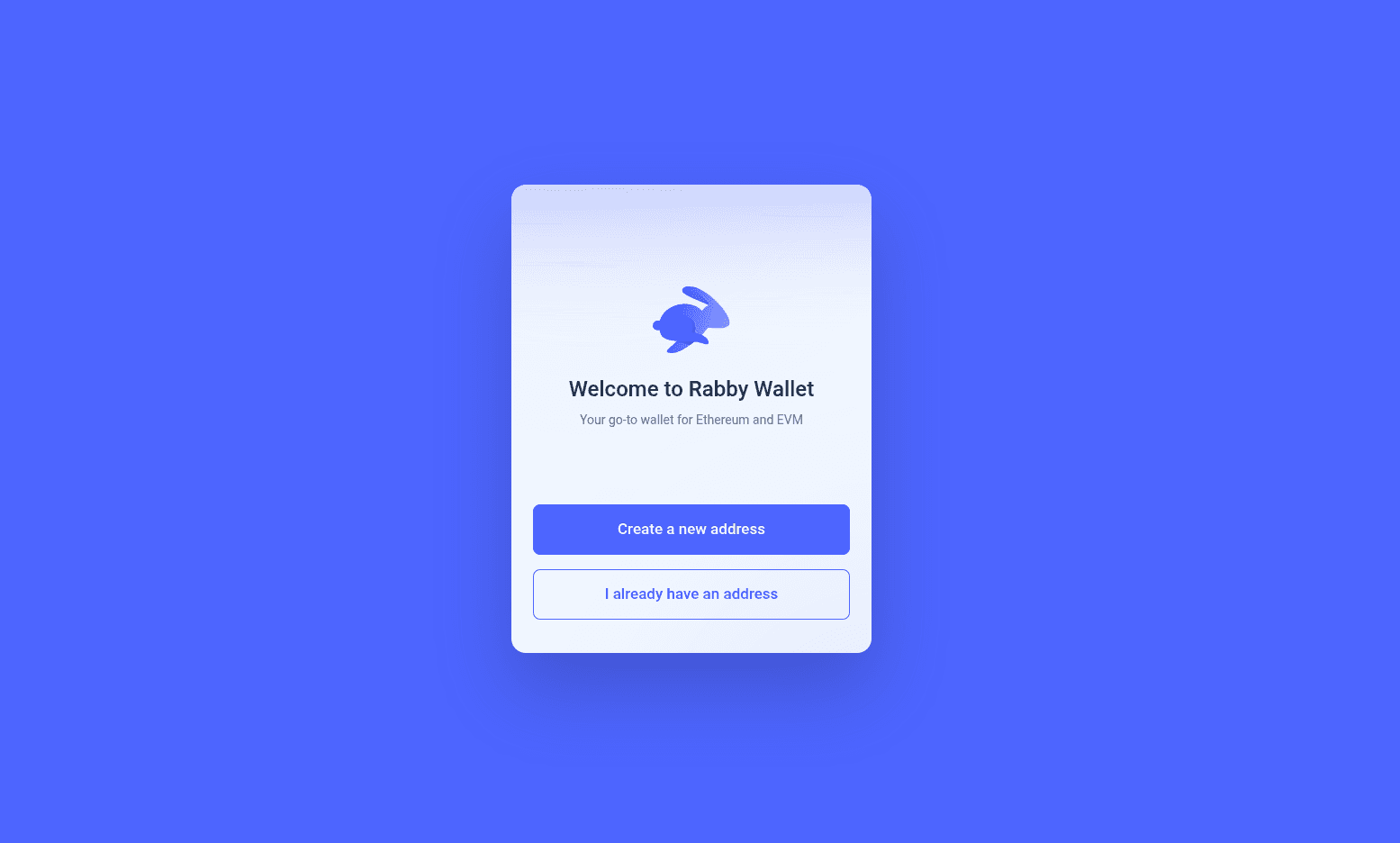
Select Create a new address. To import an existing seed, choose I already have an address instead.
Step 3: Save your seed phrase
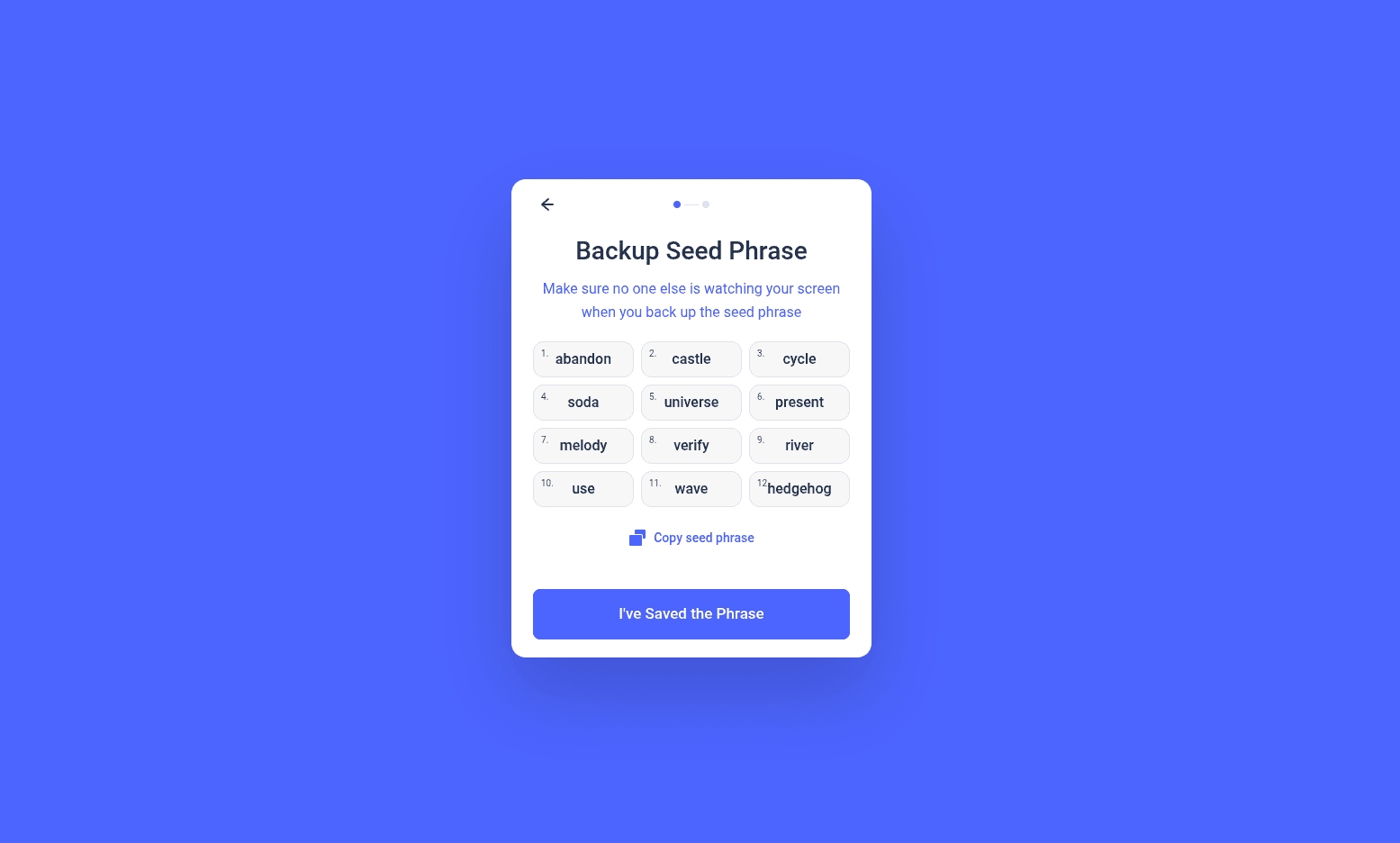
Rabby reveals a 12-word phrase. The phrase alone can recover your wallet on any device.
Critical
Write the phrase down on paper. Do not screenshot it. Do not paste it into cloud-synced storage. Anyone with this phrase has full access to your wallet.
Click I've Saved the Phrase when you have stored it safely.
Step 4: Set a password
Pick a strong password. It encrypts your wallet locally.
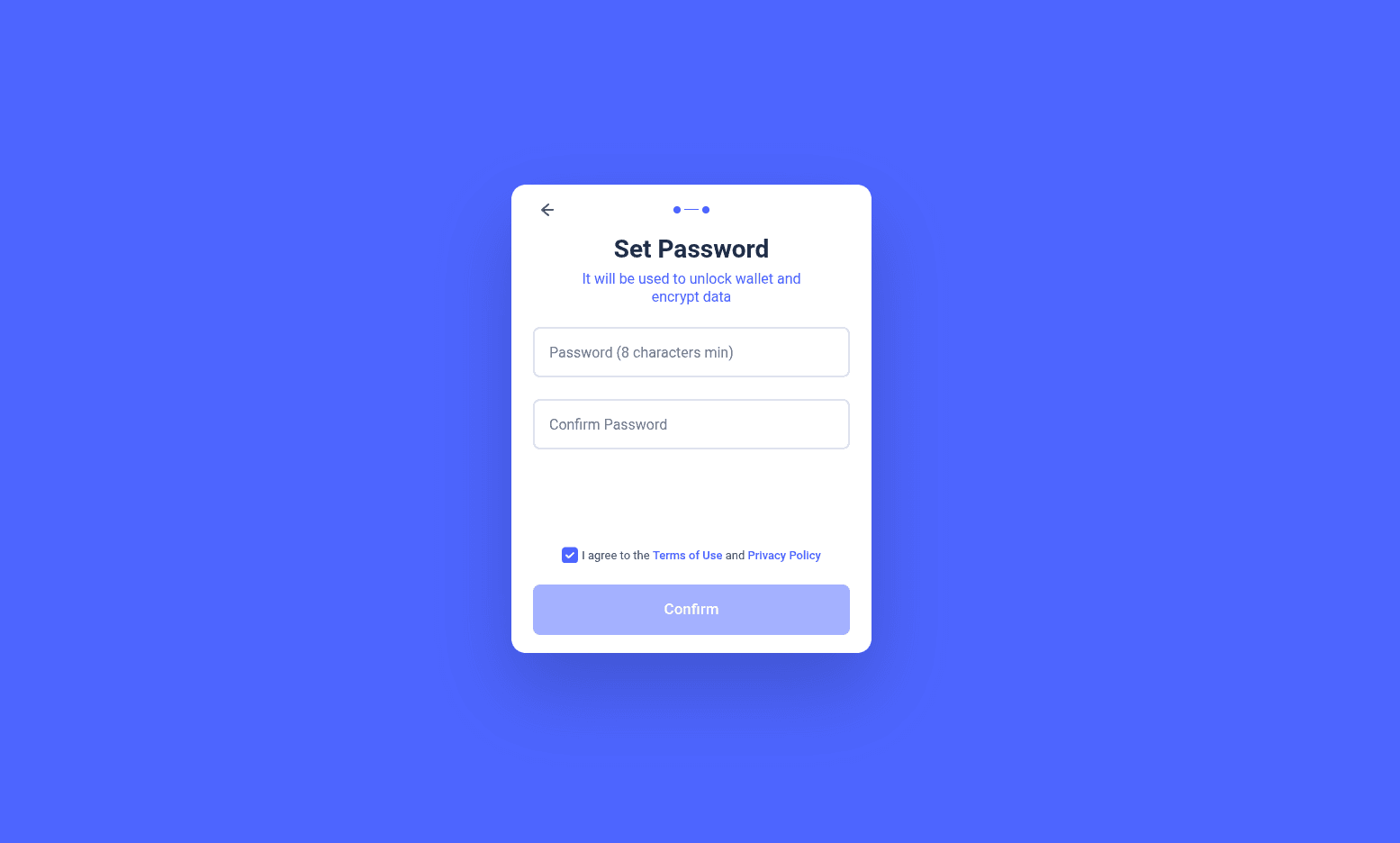
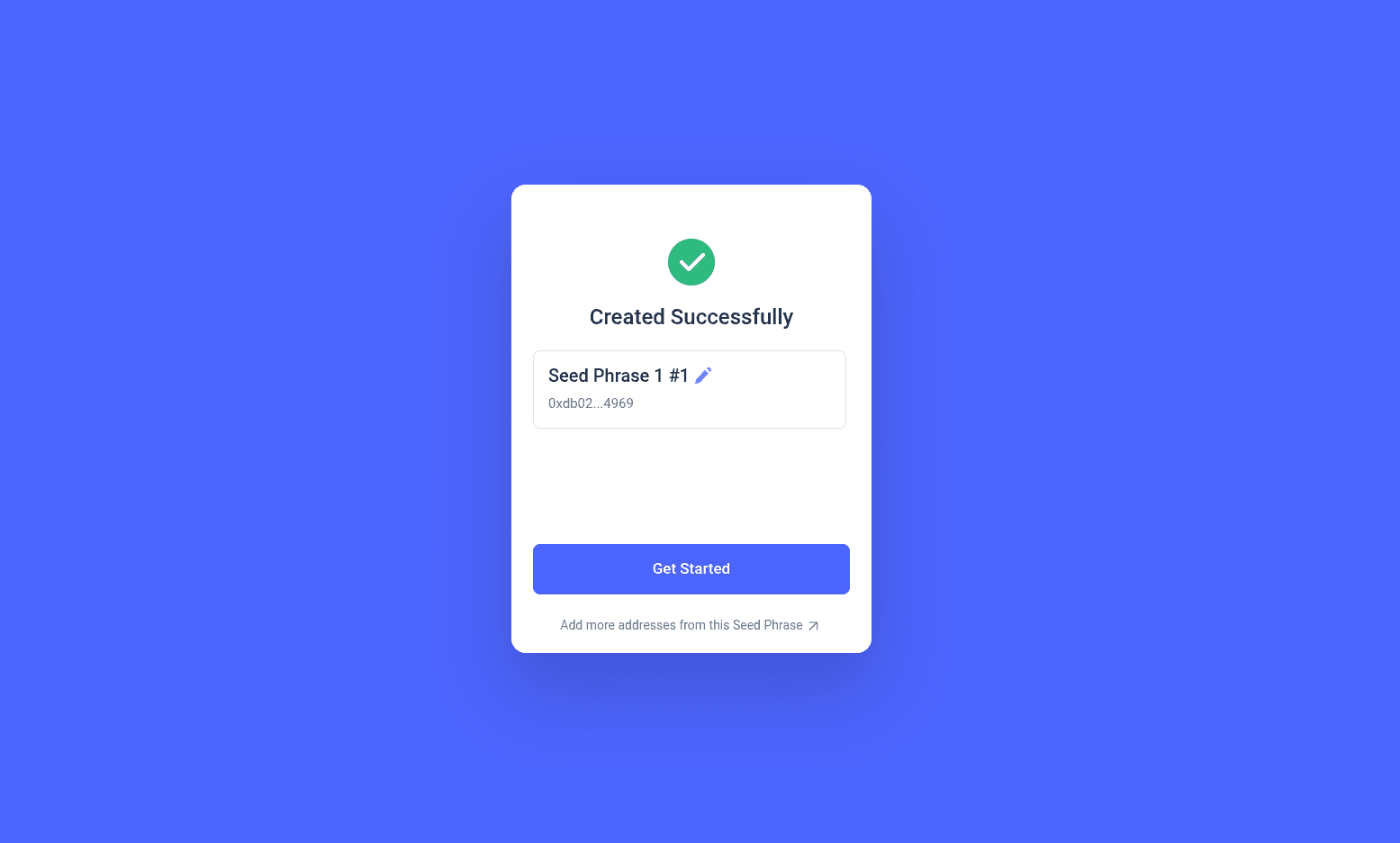
Step 5: Wallet created
Rabby opens its dashboard with your new account.
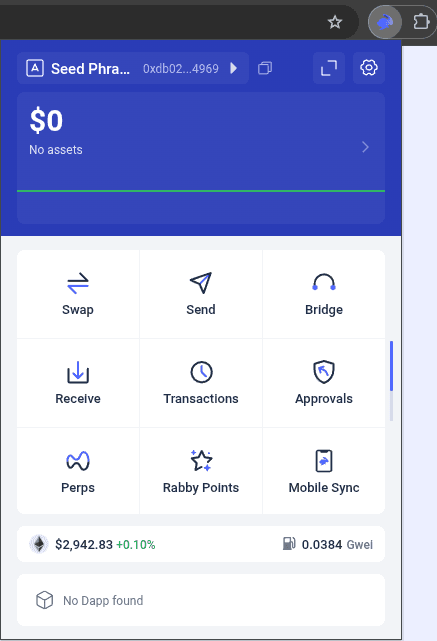
Adding Mandala Chain
Rabby auto-detects networks when a dApp asks to connect, but you can also add Mandala manually.
Step 1: Open settings
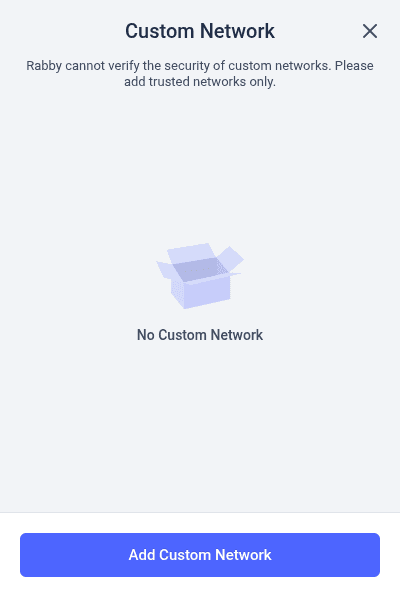
Click the settings icon in the top right of Rabby and select Add Custom Network.
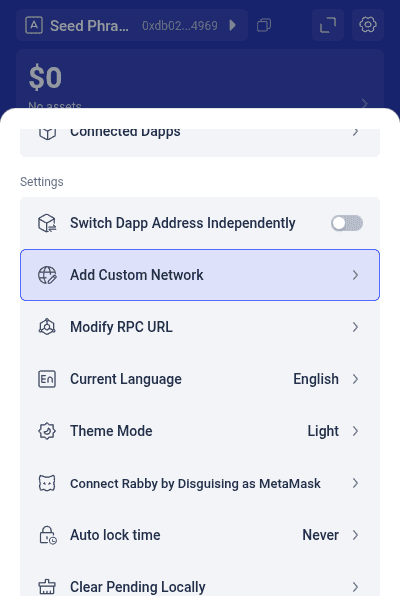
Step 2: Click Add Custom Network
Step 3: Enter the Mandala values
| Detail | Value |
|---|---|
| Network Name | Mandala Chain |
| RPC URL | https://rpc1-mainnet.mandalachain.io |
| Chain ID | 20010 |
| Currency Symbol | KPG |
| Block Explorer URL | https://explorer.mandalachain.io |
Testnet values
For Mandala Testnet (Chain ID 20011, KPGT, settles to Sepolia), use the values from the Testnet Network Details page.
Step 4: Confirm
Click Confirm. Mandala Chain is now in your custom networks list, and Rabby will switch to it whenever a dApp requests Chain ID 20010.
Auto-detection
Rabby's signature feature is automatic network switching. When a dApp asks to connect on Chain ID 20010, Rabby switches to Mandala without prompting. This makes development noticeably smoother than wallets that require manual switching.
Getting KPG
You start with 0 KPG. Bridge KPG or ETH from Ethereum via the Arbitrum Portal: see Deposit from Ethereum.
Troubleshooting
Rabby will not connect to Mandala. Confirm the Chain ID is exactly 20010. Rabby is strict about chain ID matching for security.
The dApp does not switch automatically. Make sure the dApp's frontend is configured to request Chain ID 20010, not a different number.
Need multiple accounts. Click your account name at the top and select Add New Address to derive additional addresses from the same seed phrase.