

Block Explorer
How to use Blockscout to inspect transactions, contracts, and accounts on Mandala.
Mandala uses Blockscout as its block explorer.
| Network | URL |
|---|---|
| Mainnet | explorer.mandalachain.io |
| Testnet | explorer.testnet.mandalachain.io |
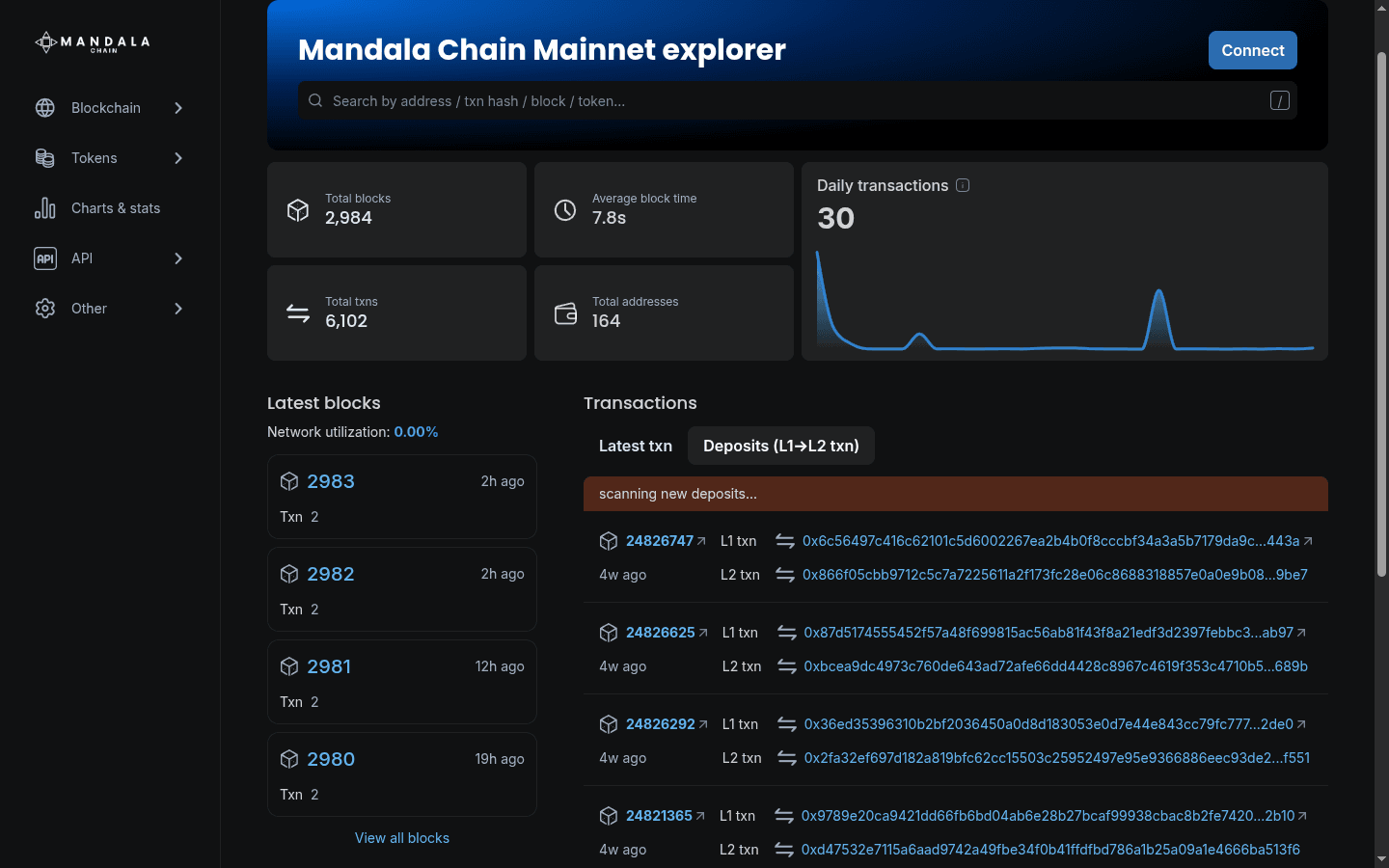
Finding data
The search bar at the top of the page accepts addresses (0x...), transaction hashes, block numbers, and ENS names (resolved via L1). The explorer auto-detects the input type and routes you to the appropriate page.
Inspecting transactions
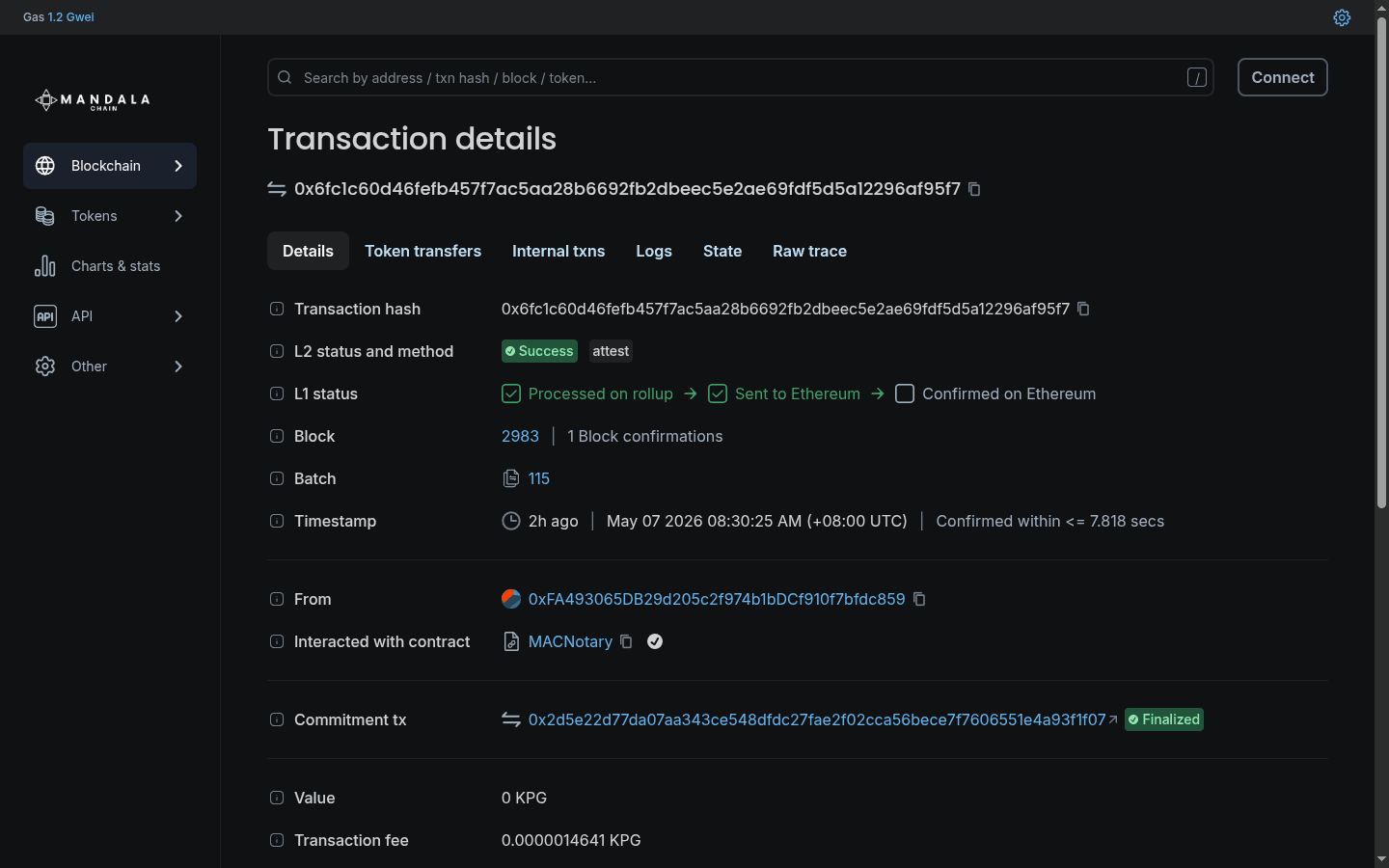
A transaction page shows status (success or failure), gas used, gas price actually paid, the value transferred, and every event emitted during execution. Failed transactions usually surface their revert reason in the Logs section, which is the first place to look when debugging.
Viewing accounts
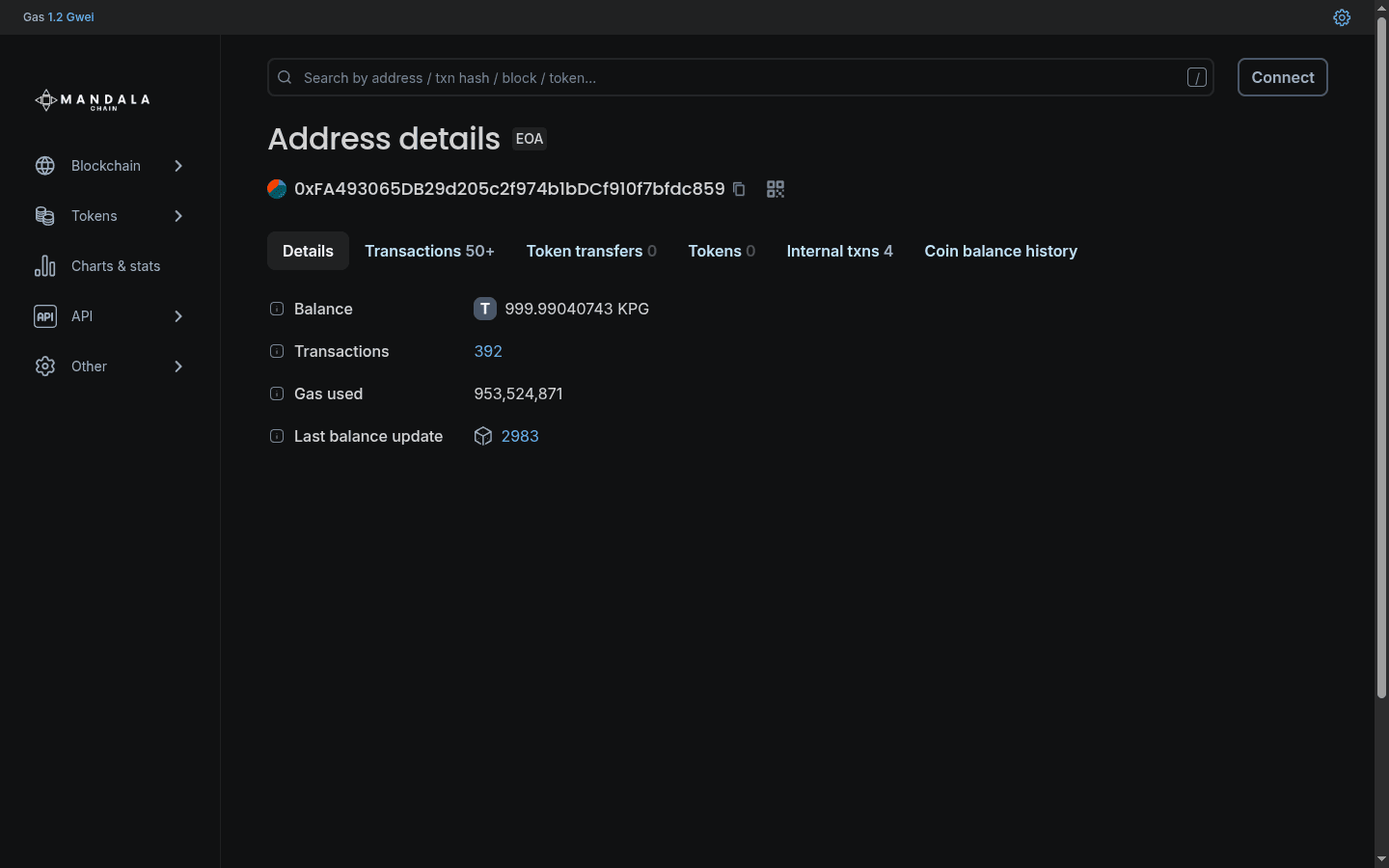
Searching for a wallet or contract address gives you the full transaction history, KPG balance, internal transactions, and held tokens. The Tokens tab shows ERC-20 holdings; NFTs shows ERC-721 and ERC-1155.
Inspecting deployed contracts
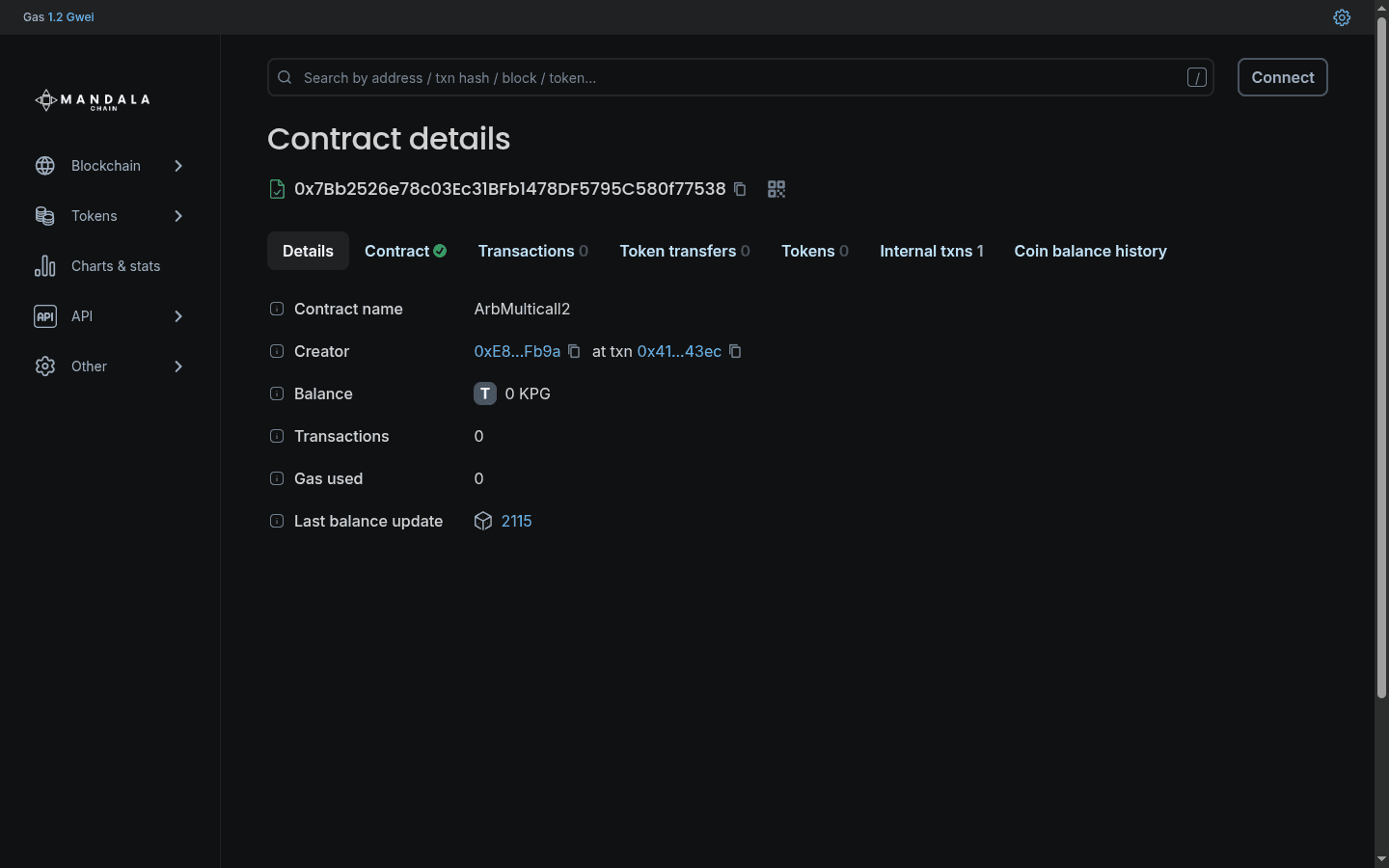
Searching for a contract address takes you to its contract page. The tabs that matter:
- Transactions: every interaction with the contract, including its creation.
- Token Transfers: ERC-20/721/1155 transfers in or out, if applicable.
- Logs: every event emitted, filterable by signature.
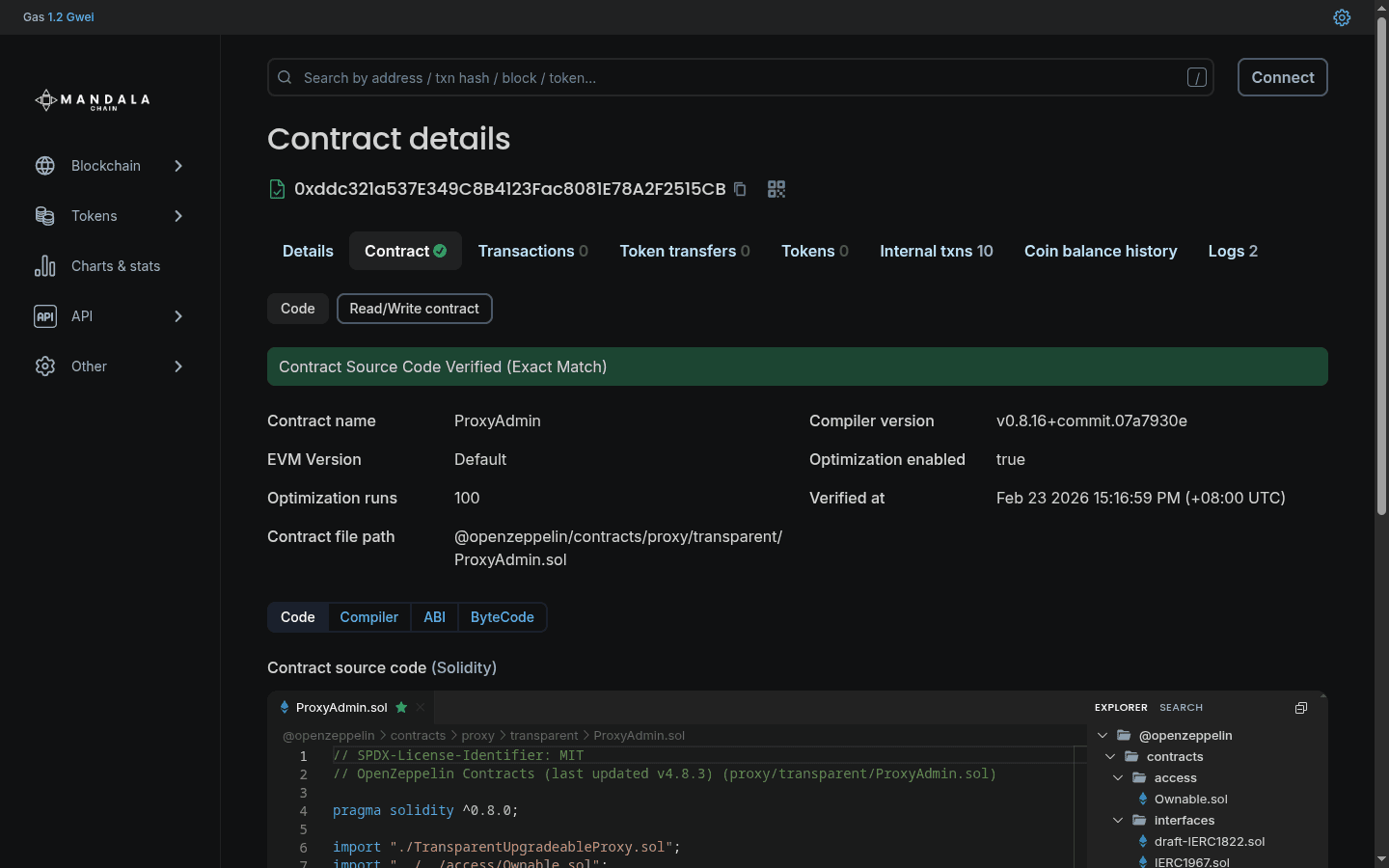
- Contract: bytecode and (if verified) source code.
Verifying your contract
Verification publishes your source so Blockscout can decode calls and let users interact with the contract directly from the explorer. The standard flow:
- Go to your contract's address page and open the Contract tab.
- Click Verify and Publish.
- Choose your verification method (Solidity flattened, multi-part files, Sourcify, or hardhat-verify / foundry).
- Match the compiler version exactly to your deployment build.
If the bytecode matches, the explorer marks the contract verified and shows the source code.
Read more
For detailed verification guides covering Sourcify, Foundry, Hardhat, and API-based methods, see the Blockscout verification documentation.
API access
Blockscout exposes an Etherscan-compatible REST API at https://explorer.mandalachain.io:443/api/. Common uses: programmatic verification, transaction monitoring, and indexing. Refer to the Blockscout API docs for the full surface.